
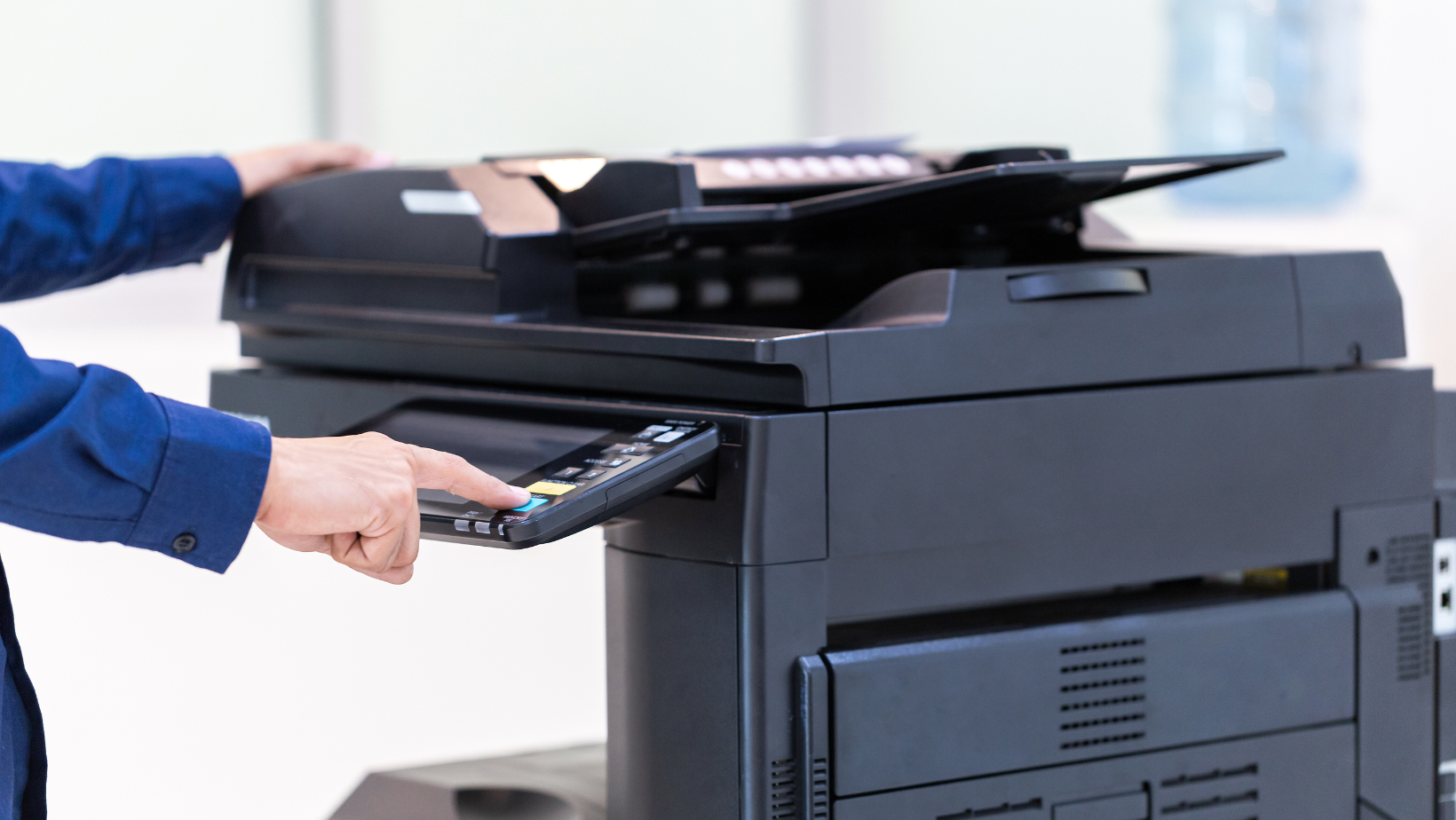
Centralised print management puts every printer and copier in your business under one contract, one supplier and one monthly bill. For a growing business, that usually means lower print costs, fewer breakdowns and far less time spent sorting out toner and repairs.
Most businesses don’t plan their print setup. A printer gets bought when the office opens, another when a new team joins, a third when someone needs colour. A few years later there are machines from different brands, on different contracts, with nobody quite sure what any of it costs. This guide explains how to bring it back under control.
Signs you’ve outgrown ad-hoc printing
If several of these sound familiar, your print setup is costing you more than it should:
- You have printers from more than one brand, each needing different toner.
- Leases or service contracts end at different times, with different suppliers.
- Nobody can say what the business spends on print each year.
- Staff wait for repairs, or walk to another floor when a machine is down.
- Someone in the office spends time every month ordering supplies.
- Confidential documents get left sitting in output trays.
These problems tend to show up once a business passes 20 or 30 staff, or opens a second site, and typically get worse with every machine added.
What centralised print management means
Centralised print management, often called managed print services, means one supplier looks after your whole print fleet. That covers the machines, the supplies, the servicing and the reporting.
In practice it usually includes:
- One lease or rental covering every device, with a single renewal date.
- One service agreement on a cost-per-copy basis, including toner, parts and engineer visits.
- Remote monitoring, so toner ships automatically and faults are often spotted before staff notice.
- Usage reporting by device, department or user.
- Print software for secure release, user access and print rules.
The point is that print stops being something your team manages. It becomes a service you pay for monthly.
How it cuts costs
Fewer, better-placed machines. A print audit often shows some printers sitting almost idle while others are overworked. Replacing several small desktop printers with one or two shared multifunction devices lowers running costs, because larger machines print far more cheaply per page.
A lower cost per page. Consolidating your volume with one supplier gives you a stronger negotiating position than several small contracts.
Less waste. Rules such as default double-sided printing, mono by default and secure release (jobs only print when the user taps their card or enters a PIN) cut the pages that get printed and never collected.
No hidden admin cost. Time spent ordering toner, chasing repairs and reconciling invoices is real money, even if it never shows up as a print cost.
Visibility. Once usage is reported by department, you can see where the spend goes and set budgets accordingly.
Visibility. Once usage is reported by department, you can see where the spend goes and set budgets accordingly.
How it cuts hassle
With one supplier, there’s one number to call. Your machines report their own toner levels and faults, so supplies arrive before they run out and an engineer is often booked before anyone has to ask. One invoice replaces a pile of separate bills, and every contract renews on the same date.
It also makes growth easier. Adding a new starter, a new team or a second office means updating one agreement, not starting a new one.
A safer setup
Modern copiers are networked devices that store scanned and printed documents on their hard drives. Left unmanaged, each one is a gap in your security. Centralised management helps close it:
- Secure release stops sensitive documents sitting in the tray.
- Firmware is kept up to date across every device.
- User access controls who can print, scan and copy.
- Hard drives are wiped securely when machines are replaced.
For businesses handling personal data, this supports UK GDPR compliance.
How to get started
- Audit what you have. List every printer and copier, who uses it, how much it prints and what contracts it sits on. A good supplier will do this for you.
- Right-size the fleet. Decide which machines to keep, replace or remove, and where shared devices should go.
- Move to one agreement. Bring the fleet onto a single lease and service contract. Existing contracts can often be bought out or lined up to end together.
- Set print rules. Turn on double-sided and mono defaults, secure release and user access.
- Review regularly. Use the usage reports to adjust the fleet as your team grows or changes.
Most businesses can make the switch with very little disruption, as new machines are usually installed and set up in a day.
Frequently asked questions
What is centralised print management?
It means managing all of a business’s printers and copiers through one supplier, under one contract. It covers the machines, supplies, servicing and usage reporting.
How big does a business need to be?
There’s no fixed size, but the benefits are clearest from around 20 staff, or once you have several printers or more than one site.
What if I’m tied into current contracts?
Existing leases can sometimes be settled early as part of the switch, or new agreements can be timed to start when the old ones end. We can guide you with this.
Is managed print the same as leasing?
Not quite. Leasing covers the equipment. Managed print adds the service, supplies, monitoring and reporting across the whole fleet.
Take control of your print
Control Print Solutions helps UK businesses replace scattered printers and contracts with one simple, managed setup. We’ll audit your current fleet, show you what it really costs and recommend the right mix of machines for your team.
Get in touch to book a free print review.