
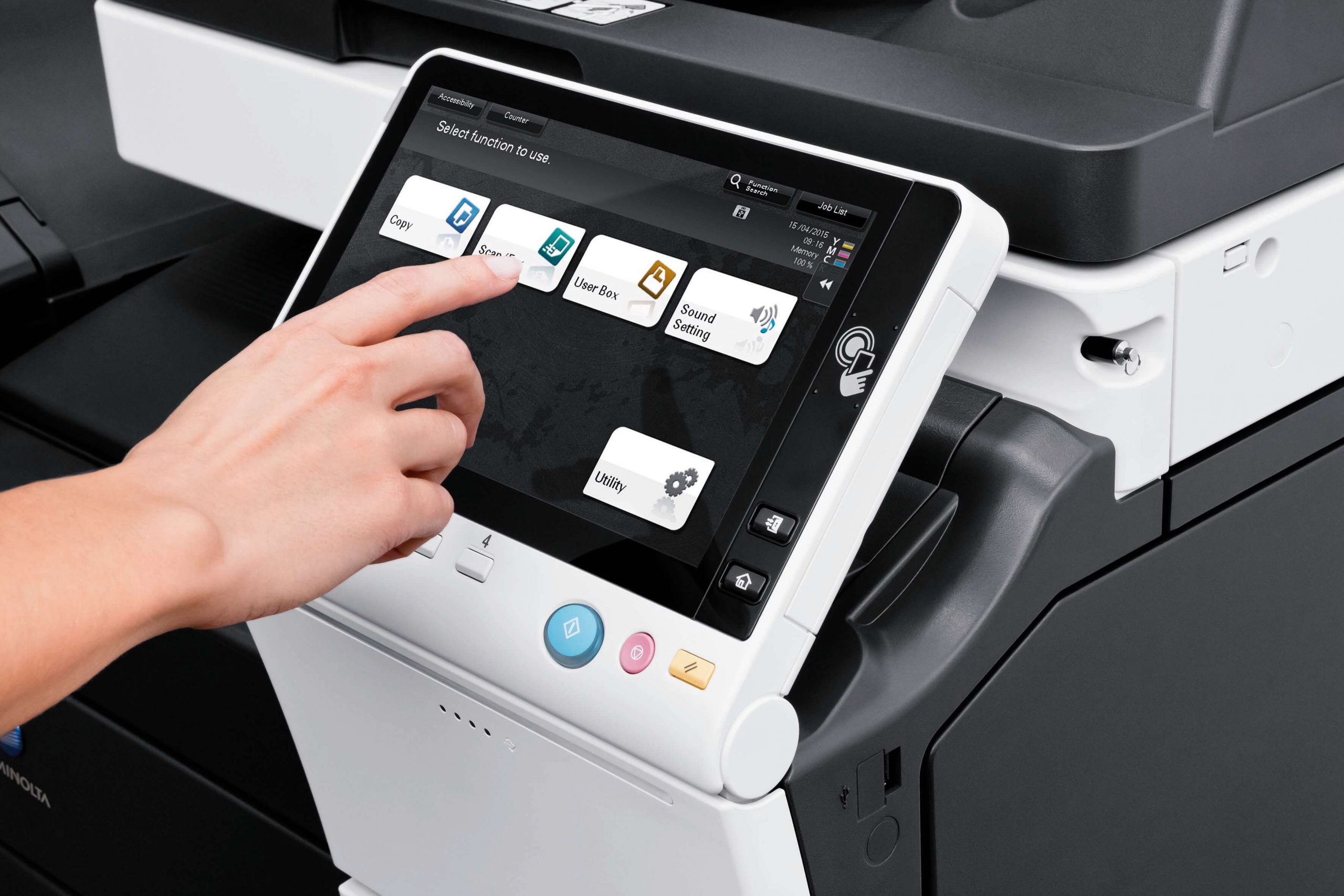
For an IT Manager, a photocopier is no longer just a peripheral; it is a networked server that handles sensitive corporate data every day. When evaluating a leasing solution, “standard” security is no longer enough.
At Ctrl-Print, we understand that print infrastructure can be a significant vulnerability if not managed correctly. Based on our service standards and the hardware we provide, here are the non-negotiable security features that should be at the top of every IT Manager’s checklist.
1. Hard Drive Encryption and Data Overwrite
Every modern multi-function printer (MFP) contains a hard drive that stores images of every document scanned, printed, or photocopied.
- Encryption at Rest: Ensure the leasing agreement specifies hardware that includes 256-bit AES encryption as standard. This ensures that even if the physical drive is removed, the data remains unreadable.
- Automatic Data Overwrite: The device should be configured to automatically “scrub” or overwrite temporary data files immediately after a job is completed. This prevents latent fragments of sensitive documents from remaining on the disk.
2. Secure “Follow-Me” Print Release
One of the most common security breaches in any office is sensitive documents sitting unclaimed in the output tray.
- User Authentication: Non-negotiable hardware must support secure release. This requires a user to authenticate themselves at the machine, via a PIN code, proximity card, or mobile login, before the document is physically printed.
- Audit Trails: This feature allows IT Managers to track exactly who printed what and when, providing a complete audit log for compliance purposes.
3. Network Integration and Threat Detection
A copier is an entry point to your network. If it isn’t properly secured, it can be exploited as a “backdoor.”
- Firmware Integrity: Demand machines that feature “Self-Healing” BIOS or firmware. If the device detects a malicious change during start-up, it should automatically shut down or revert to a known safe version.
- Encrypted Network Protocols: All data sent from a PC to the printer should be transmitted via encrypted protocols (such as IPPS or SNMPv3) to prevent “packet sniffing” by unauthorised parties on the network.
4. Secure Scanning and Digital Distribution
Scanning to email or a network folder is a high-risk activity if the destination isn’t secure.
- Encrypted PDFs: The device should have the capability to create password-protected or encrypted PDF files directly from the scanner.
- Destination Control: IT Managers should have the ability to restrict scan-to-email destinations to internal domains only, preventing data from being leaked to external accounts.
5. End-of-Lease Data Destruction
The security of a leased copier doesn’t end when the contract does. When a machine is returned to the provider, it often contains years of cached data.
- Certified Erasure: A professional leasing partner like Ctrl-Print ensures that at the end of the term, the hard drive is professionally wiped or physically destroyed.
- Data Cleansing Certification: IT Managers should demand a certificate of data destruction to satisfy GDPR and internal security audits.
Building a Resilient Print Environment
At Ctrl-Print, we don’t just lease hardware; we integrate secure document solutions. We work alongside IT Managers to ensure that every device we install is hardened against modern threats and fully compliant with your internal security protocols.
Is your current print fleet a security risk? Explore our Secure Print Solutions or contact our technical team to discuss how we can secure your office infrastructure.